TL;DR / Summary: Sitting too close exaggerates doll motion and invites panic lunges; sitting too far softens cue detail. Fix chair height, measure a stable viewing distance, and retest stops inside a browser red light green light round before you blame “bad ping.”
Visual scale changes your trigger finger
At very close range, character animations fill more of your field of view. Sudden freezes feel larger, so you flinch earlier. At long range, the same animation shrinks and your green starts arrive late. Distance is part of difficulty even when the server seed is identical.
Competitive players already obsess over headphones; fewer obsess over where their nose sits relative to the panel. Furniture is part of your input stack whether you admit it or not.
A practical starting measure
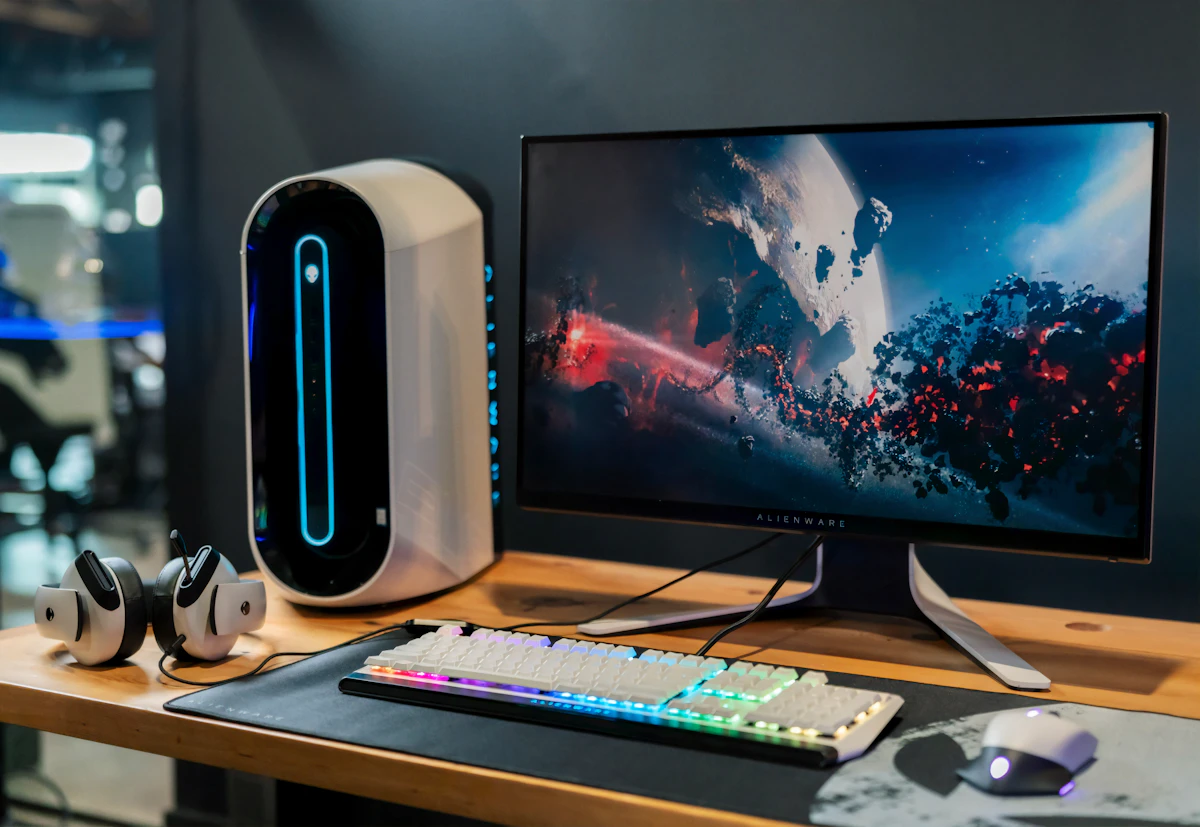
For a 24–27 inch monitor, begin around an arm’s length from eye to glass while sitting upright. You should read on-screen status text without leaning, yet still see peripheral desktop edges. Mark the chair rail with tape once the distance feels neutral.
- Too close: you chase the doll’s face instead of your own character.
- Too far: you notice greens late and compensate with reckless holds.
- Sweet spot: early brakes feel intentional, not terrified.
Ultrawide users often sit farther without noticing; re-check after any monitor swap even if the chair did not move.
Height and neck angle
Raise or lower the chair so the playfield center sits near horizontal gaze. Looking up invites mouth breathing and shoulder tension; looking down slows your lift into a move. Laptop users should add a stand plus external keyboard rather than hunching into a close screen.
Retest after any stand change—height shifts effective visual size even when the chair did not roll. A binder under a laptop is not a stable long-term geometry.
Full screen versus windowed
Windowed mode with chat beside the game divides attention and effectively shrinks the playfield. For serious runs, full screen the online red light green light game, then place chat on a second display if needed. One primary visual channel keeps distance tuning honest.
UI scaling in the OS that enlarges everything can mimic “sitting closer.” Note scaling percentage in your setup notes so a Windows update does not silently redo your experiment.
Lighting that fakes motion
A lamp reflecting in the panel creates ghost flashes that resemble cue changes. Kill glare before you tweak sensitivity. Dark-room OLED glow is fine; mixed specular highlights are not.
Avoid ceiling fans behind you reflecting on glossy screens—periodic shimmer trains false reactions that no amount of “focus” will fix until the reflection dies.
A/B test like a scientist
Play ten unranked rounds at distance A, ten at distance B, same audio gear. Track false starts and late moves separately. Keep the distance with fewer false starts even if raw meters dip slightly; meters return when panic drops.
Change only distance between batches. New mouse plus new distance teaches nothing. Write the counts on paper; memory favors the setup you already liked.
Couch and TV traps
Living-room TVs push you farther away and add input lag from game modes. If you must use a TV, enable the low-latency picture mode and sit closer than movie night suggests. Controllers versus keyboards change timing again—distance tests assume one input method.
Guests who “just want to try one round” from the sofa will post scores that do not transfer to your desk. Do not rewrite your geometry based on couch data.
Mobile players are not exempt
Phones at 20 cm from the face create the extreme close-range panic pattern. Prop the device farther on a stand and use both thumbs with steadier posture. Bed playing with the phone on your stomach guarantees drifting distance every minute as pillows compress.
Tablet players should lock orientation and stand angle before ranked blocks; rotating mid-session is another silent difficulty slider.
Glasses, contacts, and effective distance
Players who switch between contacts and glasses change focal comfort and sometimes lean closer without noticing. Retune tape marks whenever your eyewear changes for the week. Progressive lenses can add a slight chin tuck that alters where the playfield sits in your gaze—raise the monitor a notch rather than scooting the chair in.
If you share a desk with someone shorter or taller, expect the sweet spot to move. Keep two tape colors on the chair rail and label them. Borrowed geometry is how “I suddenly got worse” threads begin after a sibling’s study night.
Clean the panel. Smudges near the doll’s face create false motion at close range that no sensitivity slider will fix.
Lock the geometry for ranked blocks
Once you find a distance that lowers false starts, photograph the desk from the side and keep the tape mark. After travel or LAN parties, restore geometry before restoring ego.
Consistent eyes-to-glass distance makes every other mechanic—audio, warm-ups, brake timing—measurable again, which is the real rank climb ingredient hiding in furniture while everyone else argues about ping screenshots.